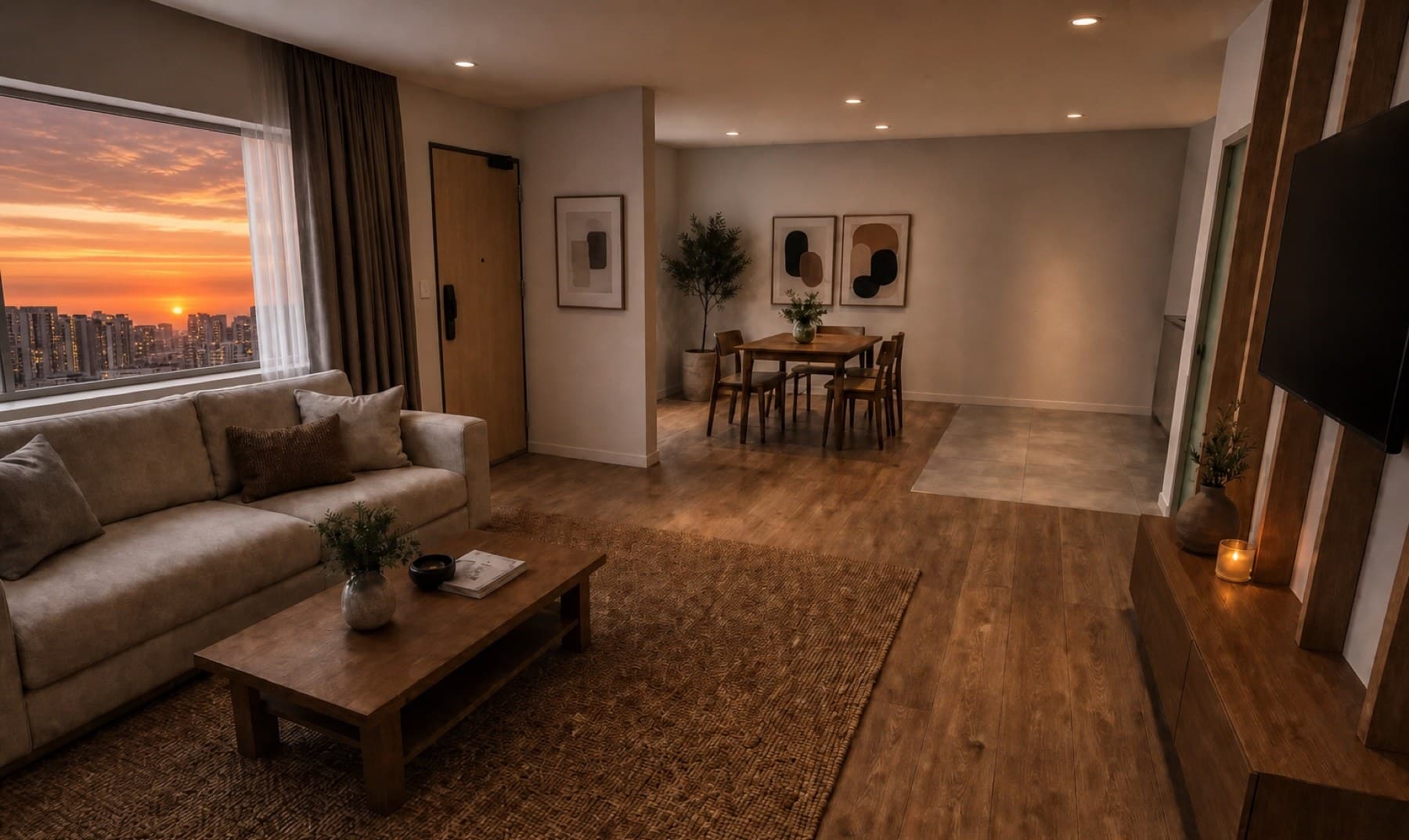
Your layout, kept exact
The walls, the room proportions, the traffic flow — all yours. Vorqis does not replan your space.
Tidying up the pixels…
Interior renders, directed by you
Upload a plan or a SketchUp model. Light it, style it, share it — and walk into the meeting with the render already done.
First 3 renders free — no card needed.
Every render on this page was made in Vorqis from a real floor plan — no post-production, no stock imagery.
Not a generic AI image tool
Most AI tools guess a room from a text prompt. Vorqis builds from your real floor-plan geometry and renders the home you designed — your walls, your furniture, your finishes — so what the client sees on screen is exactly what you'll build.
The walls, the room proportions, the traffic flow — all yours. Vorqis does not replan your space.
Place the pieces, set the built-ins. The render shows your specific choices, not the AI's.
Warm timber or cool stone. Japandi or Peranakan. You set the mood; Vorqis renders it.
Everything in one place
Every step of the job lives in Vorqis — start the render, refine it, and get your client's approval without bolting on another tool.
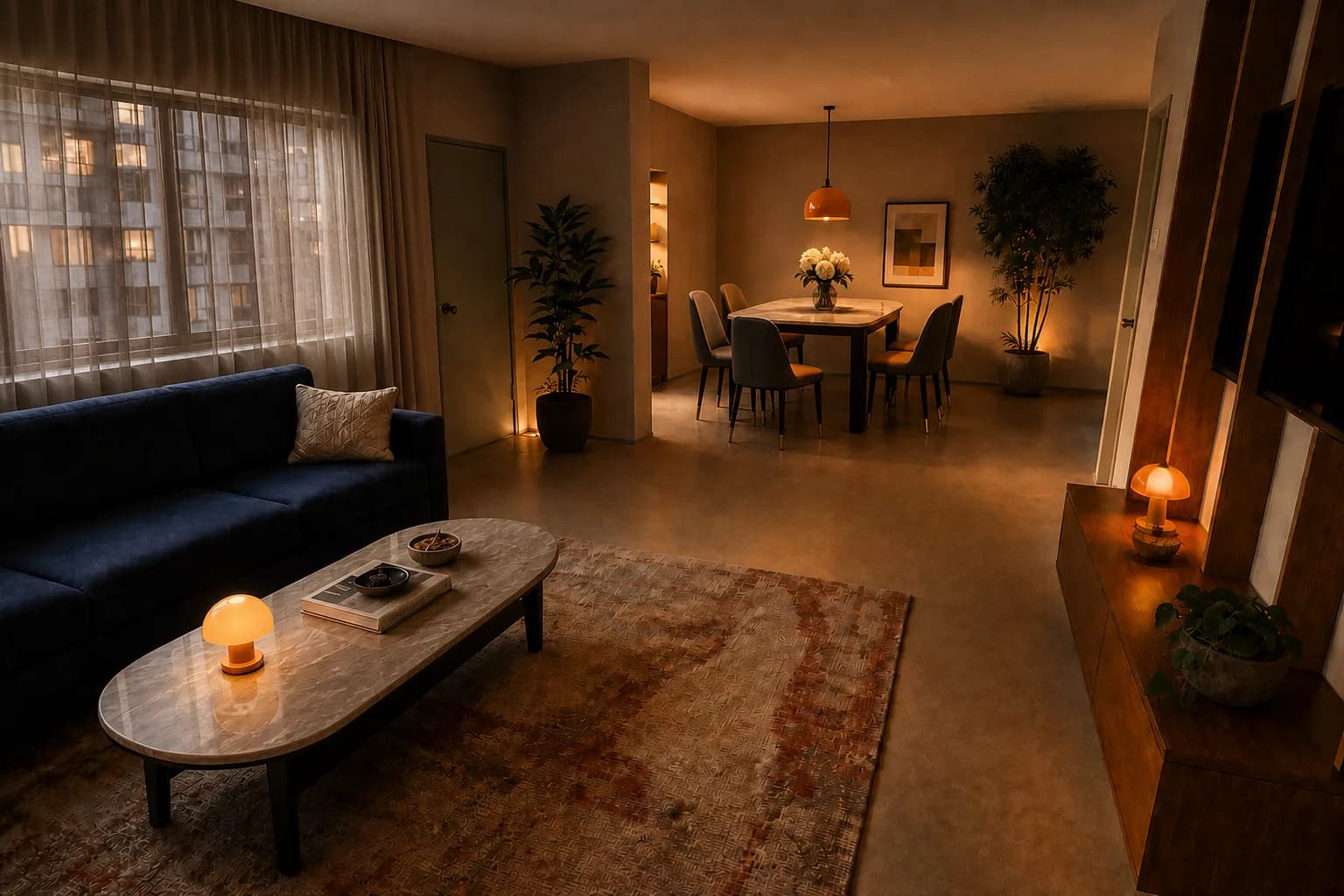 Rendered in 38s
Set the layout, furniture and style — Vorqis renders the actual room, true to your plan.
Share a link; your client marks up each render and leaves notes on it.
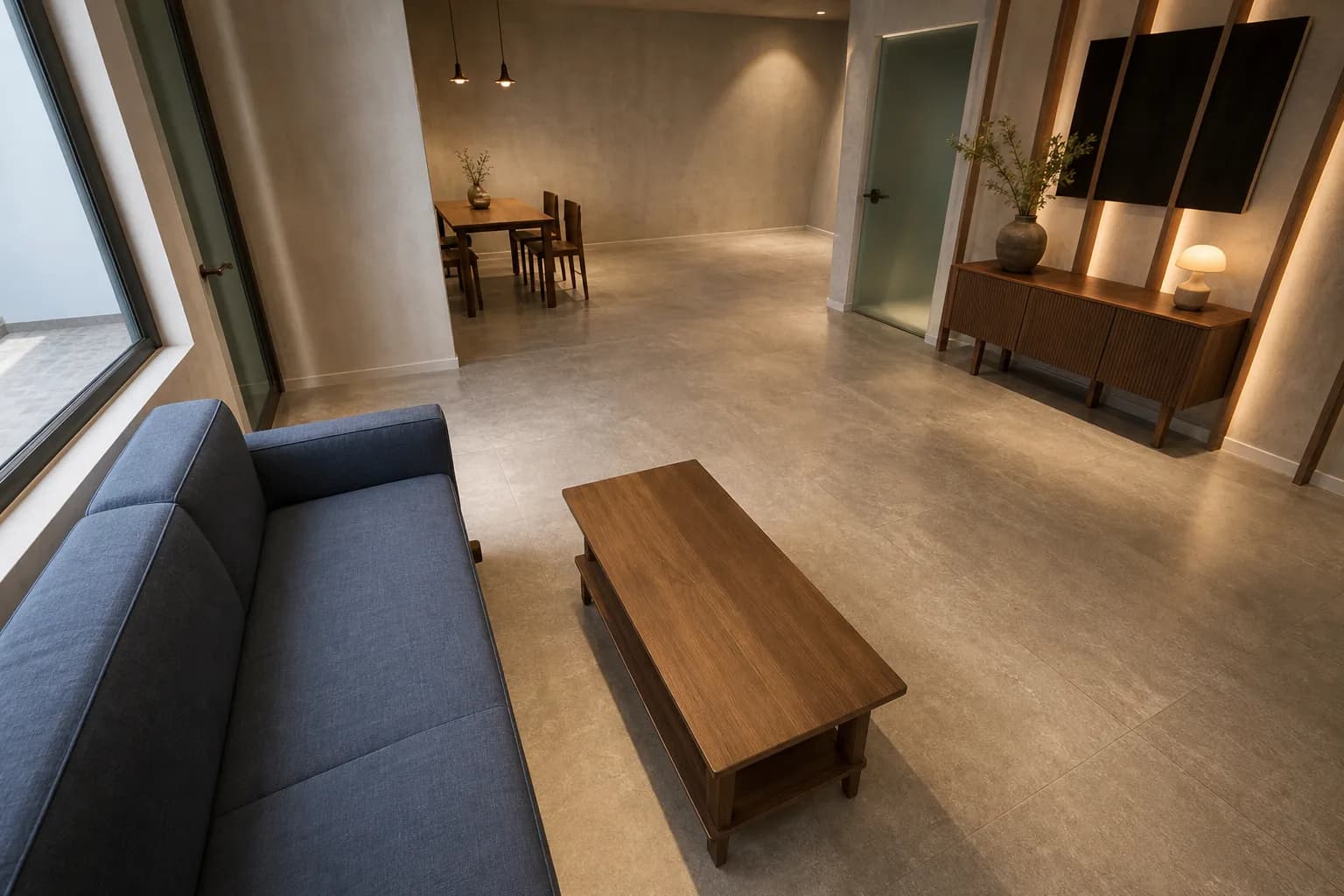
Drop a plan, a CAD model, or an existing render. Vorqis reads the space.
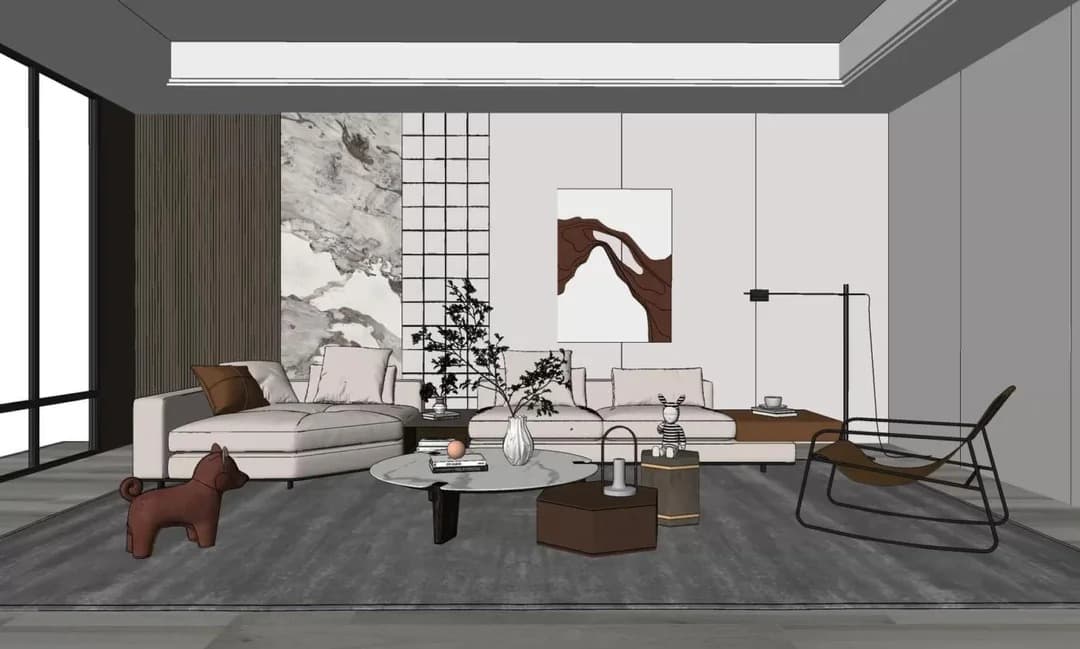
SketchUp & CAD
Already built it in SketchUp or CAD? Drop the model in and get a finished, photoreal image in minutes — your geometry stays 100% locked. No render farm, no studio invoice.
Drop your model in and get a finished photo in minutes — geometry 100% locked, no render farm, no studio invoice.
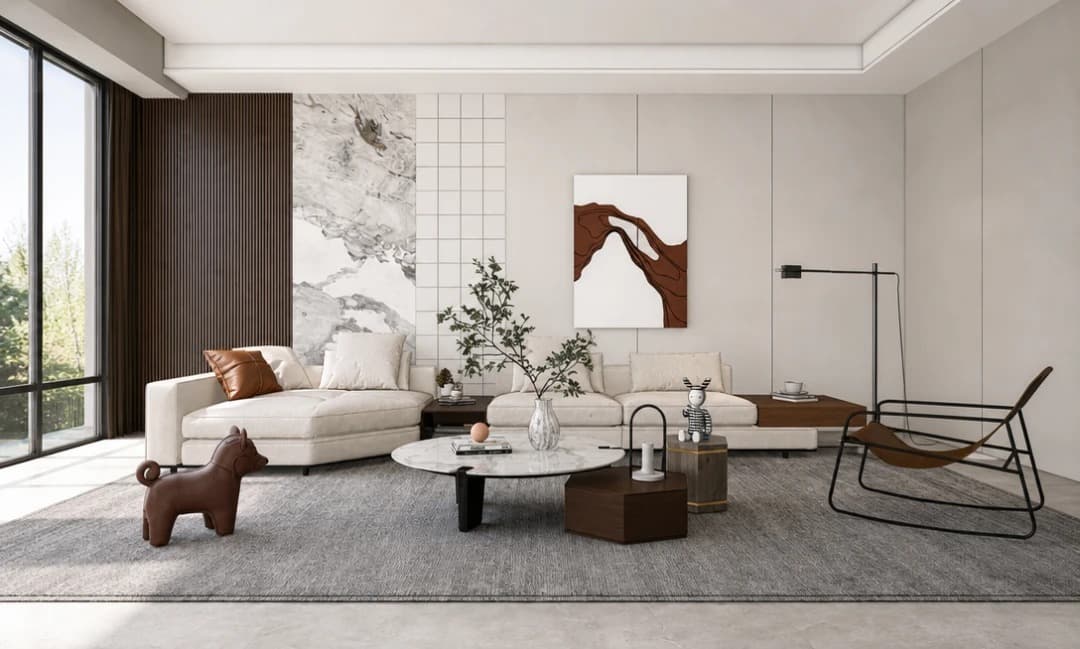
Real results
Every image below was generated in Vorqis. Tap any render to see it larger.
Pricing
Every new account starts with 3 free renders — try Vorqis on a real project before you pick a plan.
Essential
$49/mo
54 credits/mo · 18 renders
Start renderingProfessional
$99/mo
135 credits/mo · 45 renders
Start renderingStudio
$249/mo
405 credits/mo · 135 renders
Start renderingEvery plan renders the same photoreal quality — pick the volume that fits. Need more for a busy month? Add one-time credit top-ups any time; bigger packs cost less per credit, and top-up credits don't expire while you're subscribed.
See full pricing & top-up packsReady when your next client is
No follow-up decks. No waiting on a 3D artist. Just the render, on your screen, in the meeting.
Brush an area or shift the lighting — re-render just that, not the whole room.
The AI renders your walls and furniture — never a generic guess.
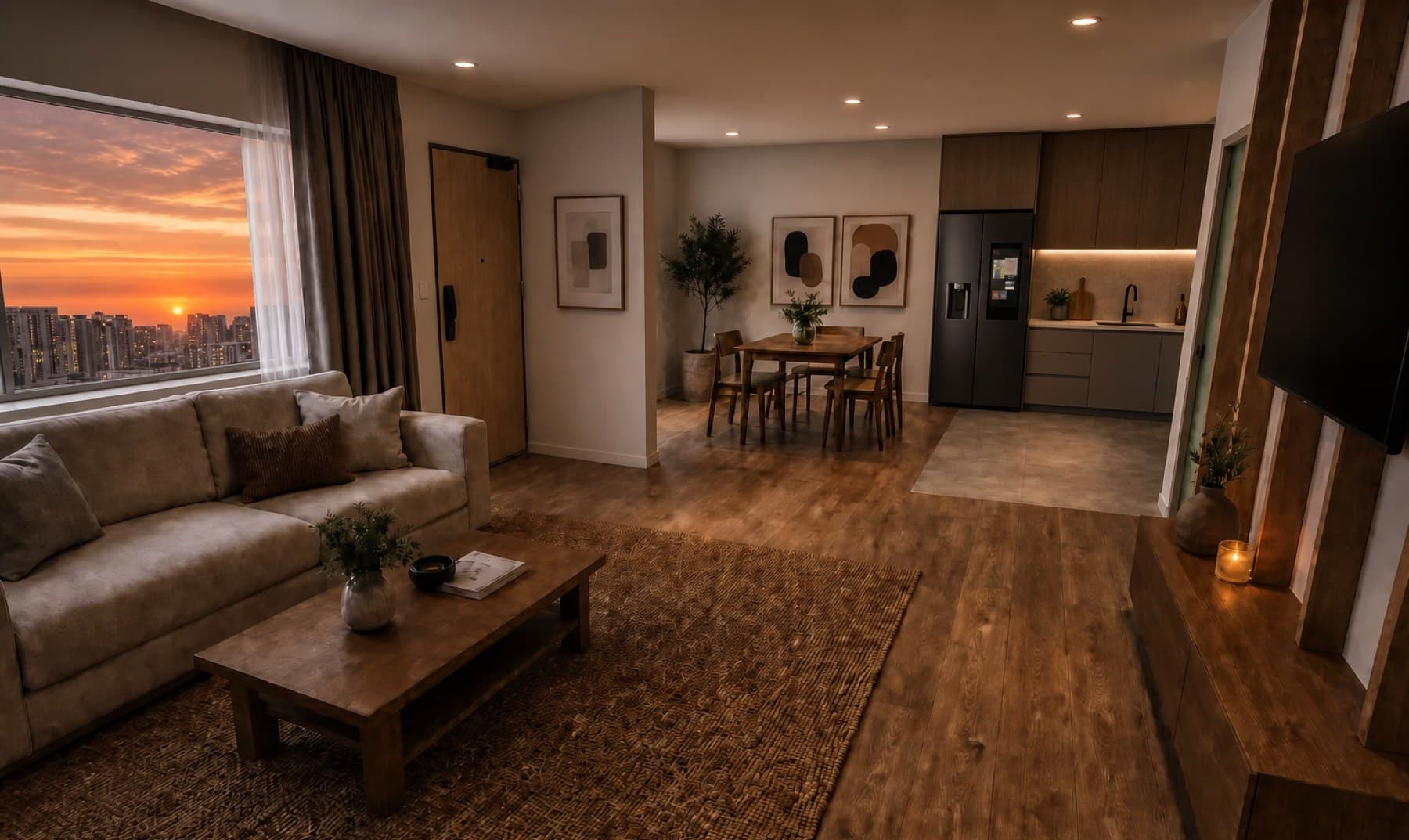
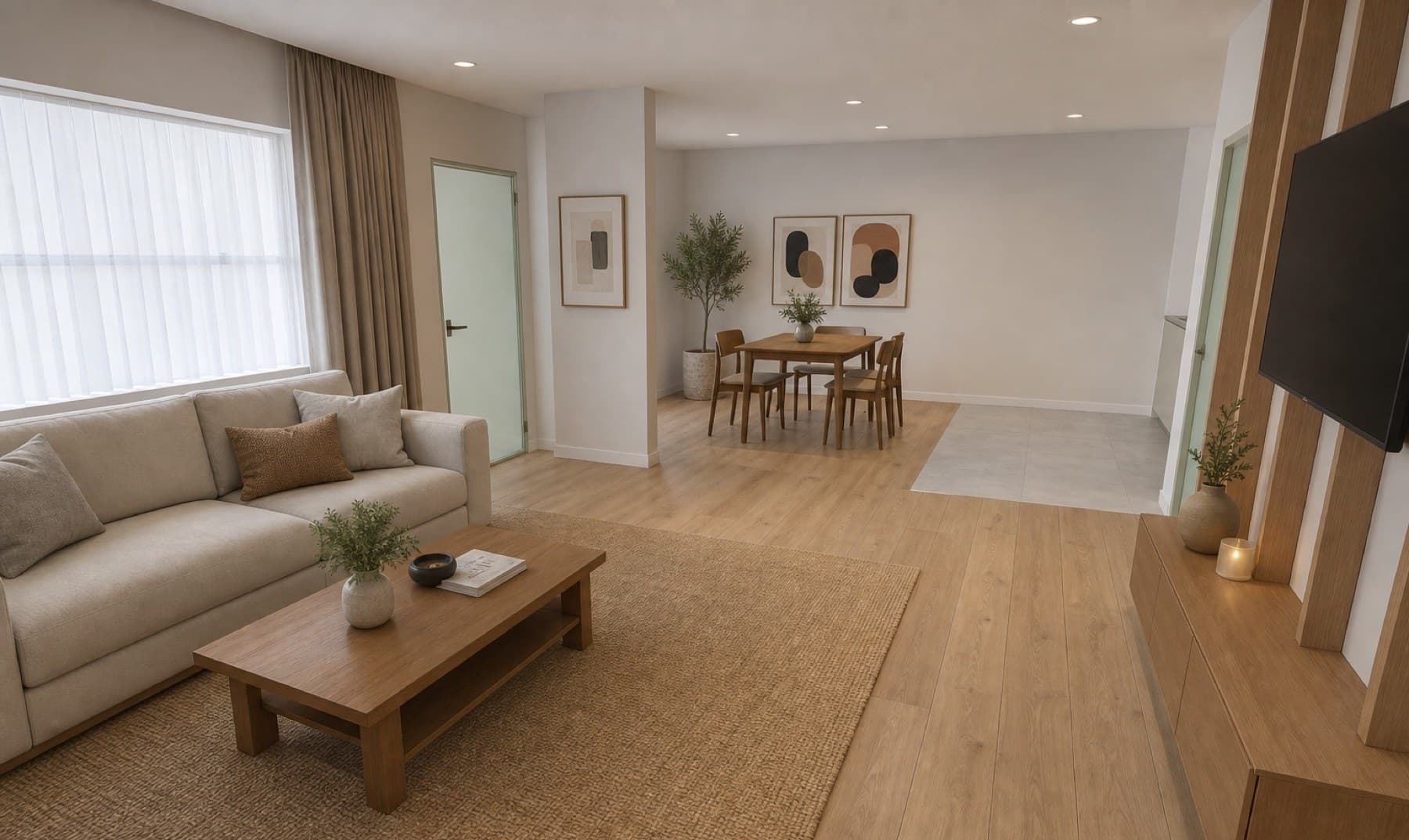
Living, kitchen, bedrooms, baths — Japandi to industrial. You direct, Vorqis renders.